

A real DJ rig, built from the music you already own.
Start with your Apple Music, or plug in your own sources like vinyl you've digitized. Nothing is preloaded, and nothing leaves your device unless you ask.
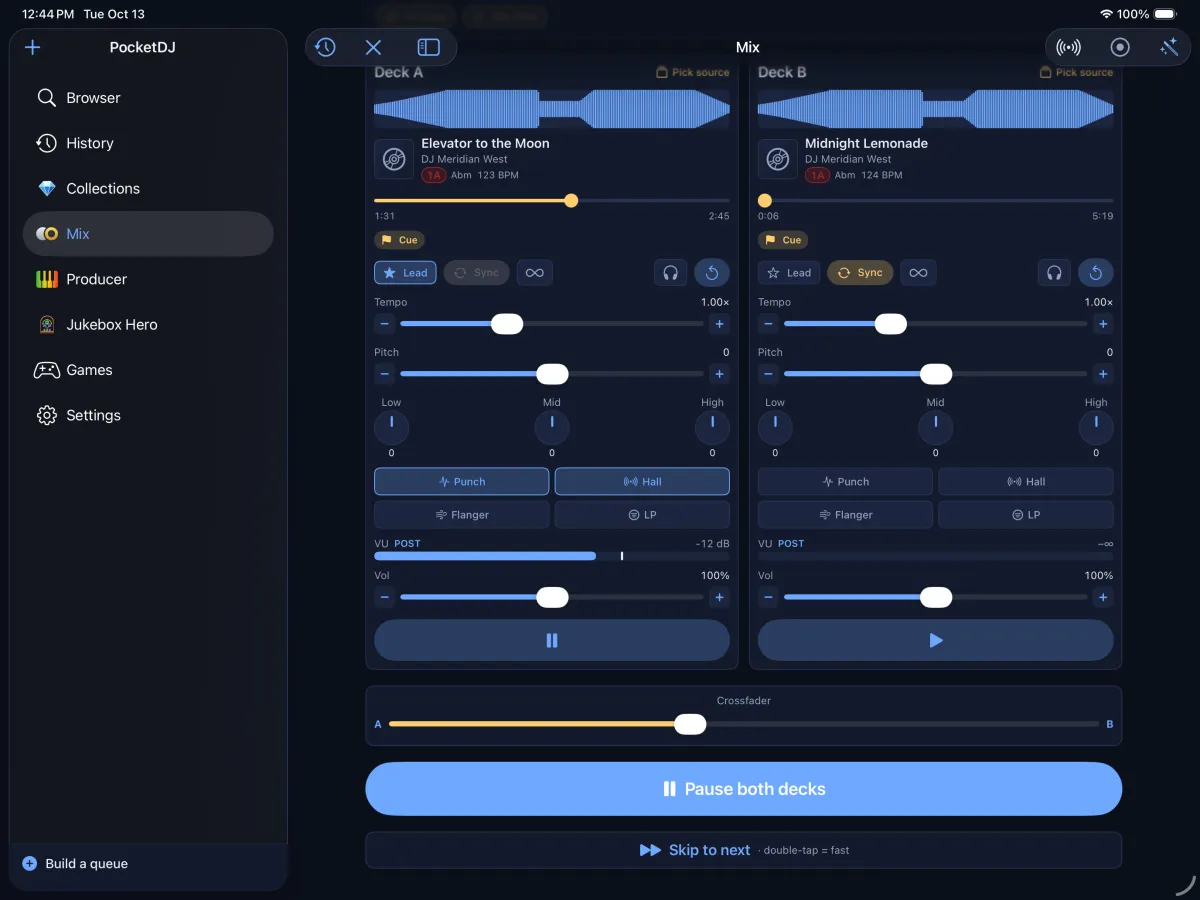
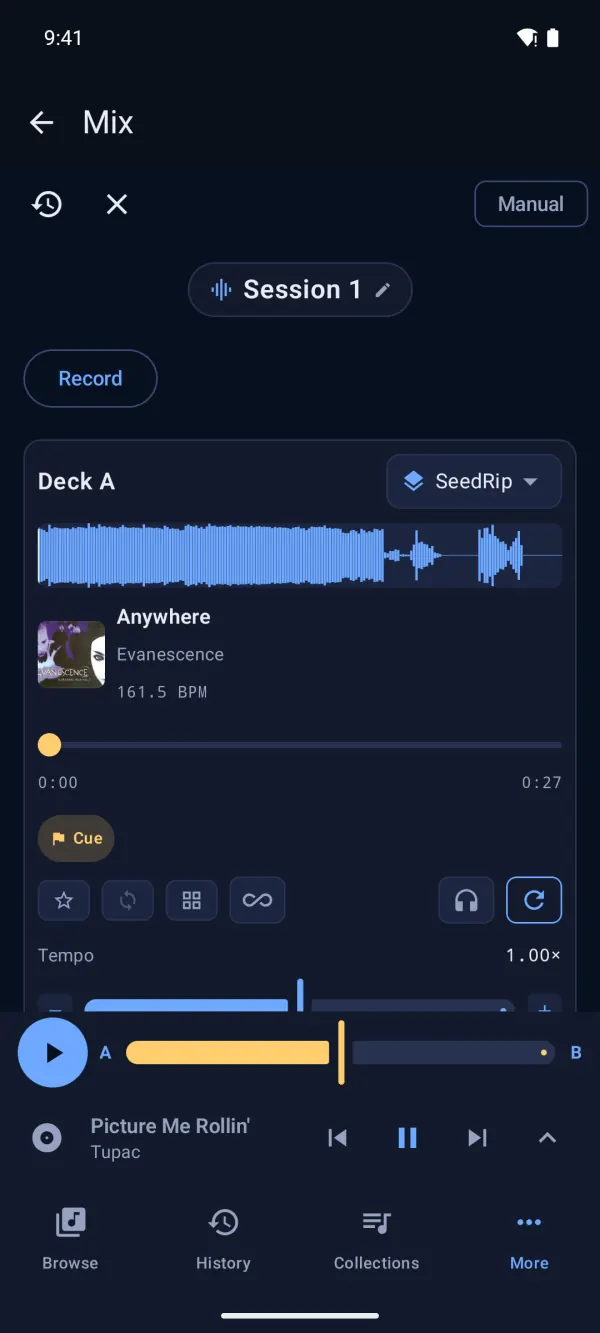
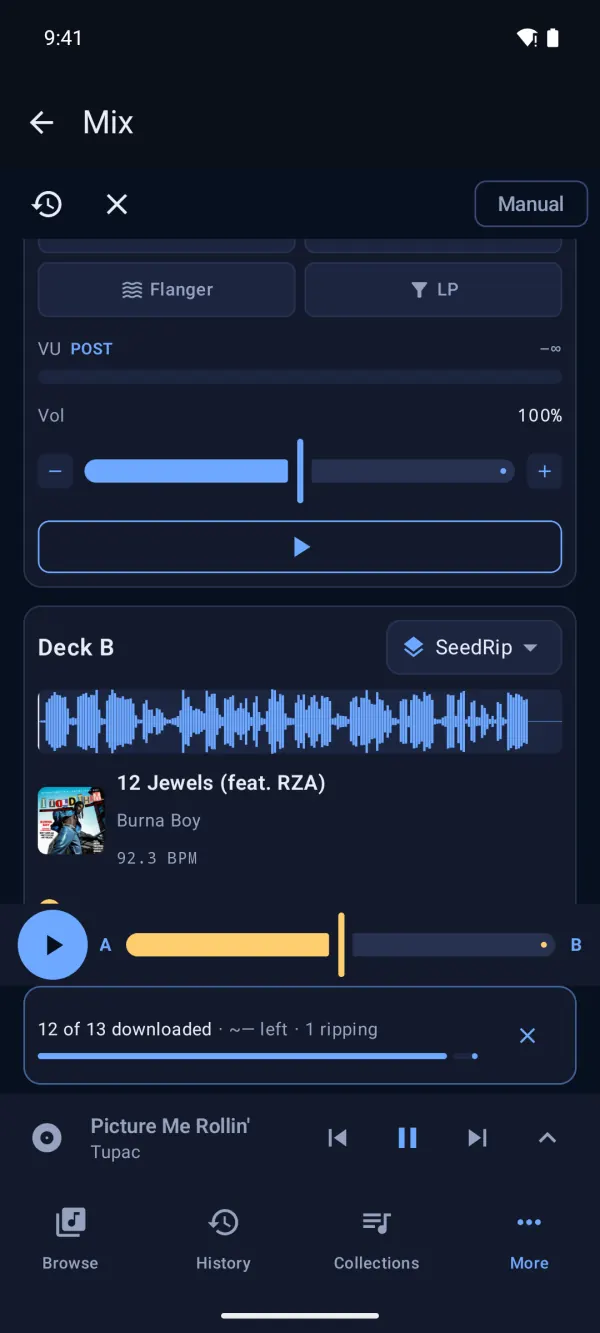
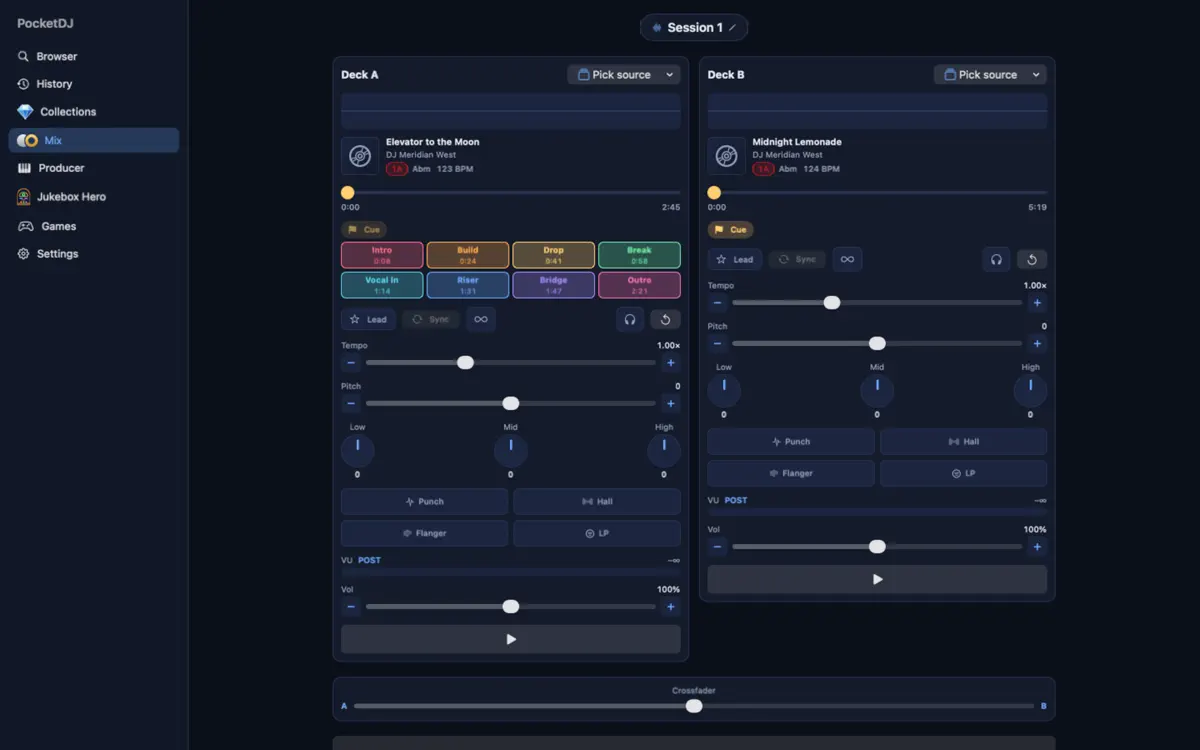
Two decks. Blend for real.
Put a track on each deck and ride the crossfader. Every track shows its BPM and Camelot key, so you can spot a harmonic match before you commit to it.
- Tempo, pitch and 3-band EQ on every deck
- Effects rack: Punch, Hall, Flanger and a low-pass sweep
- Cue points and loops to jump straight to the drop
- Stems: pull the vocal out mid-phrase
- Auto-DJ runs the night with timed crossfades and key-aware glides. Grab the wheel whenever you like
- Record the whole set while it plays
- Streaming mode starts a deck while the song is still arriving
- Crate A/B auto-mixes between two collections
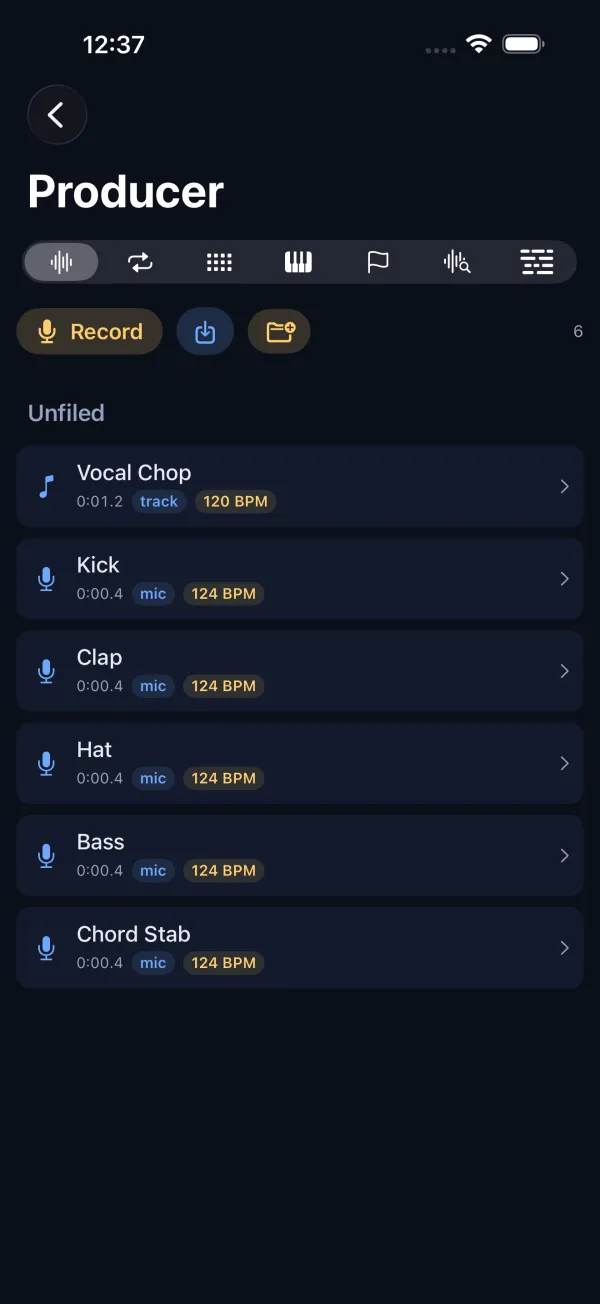
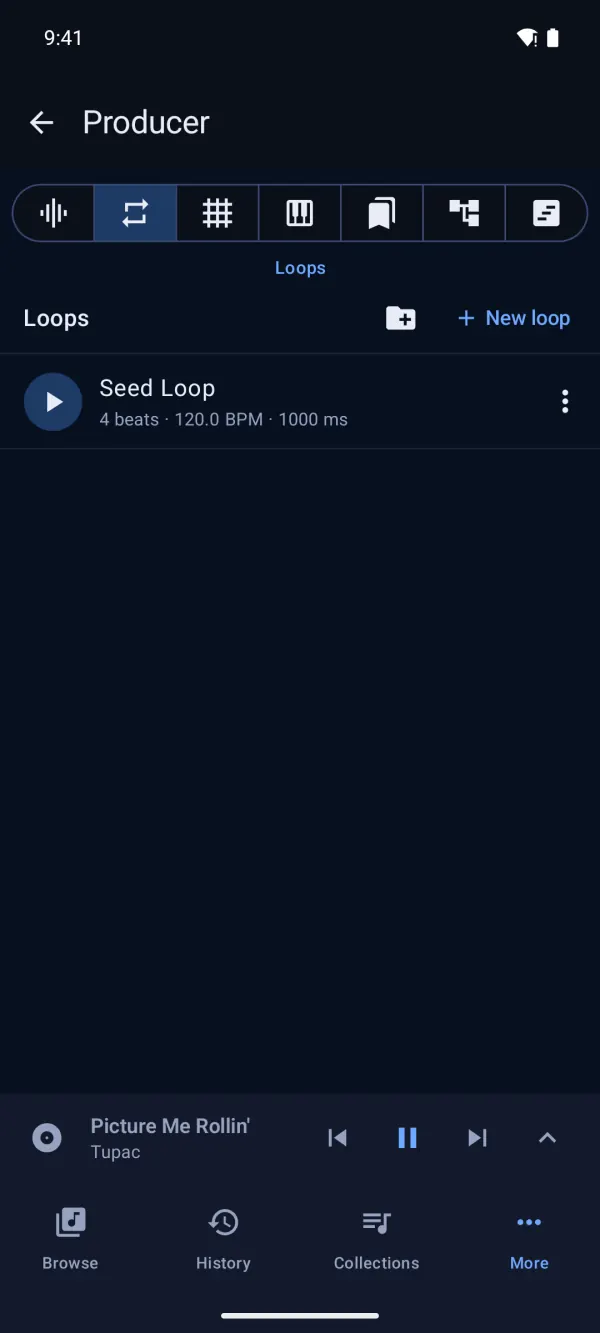
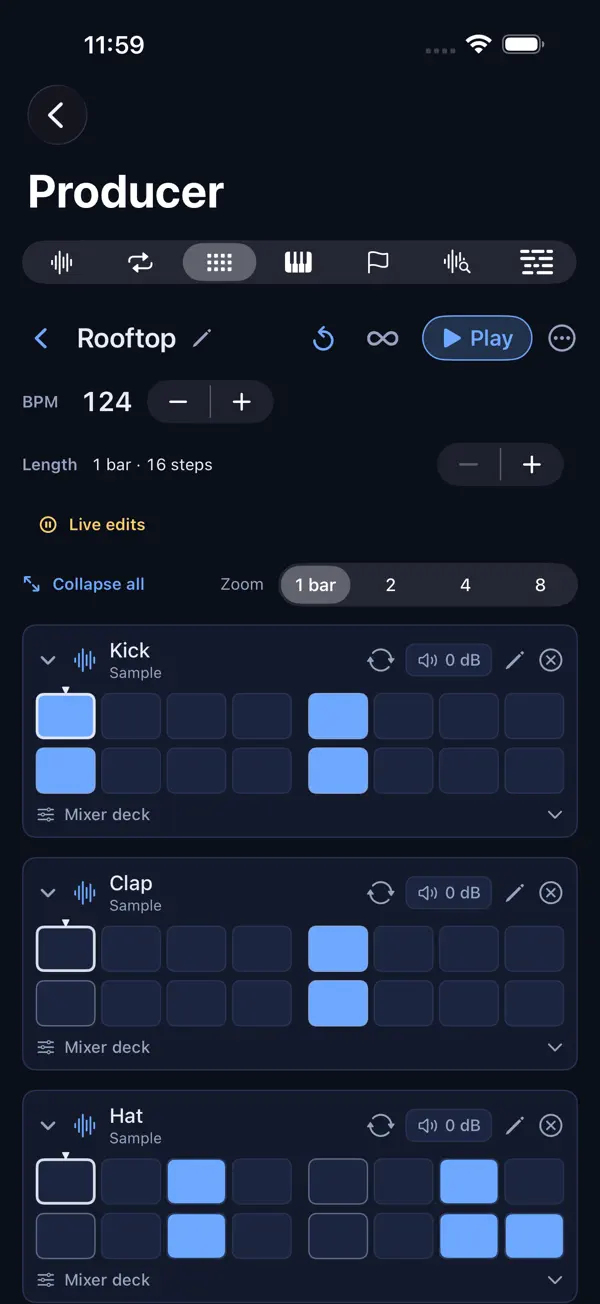
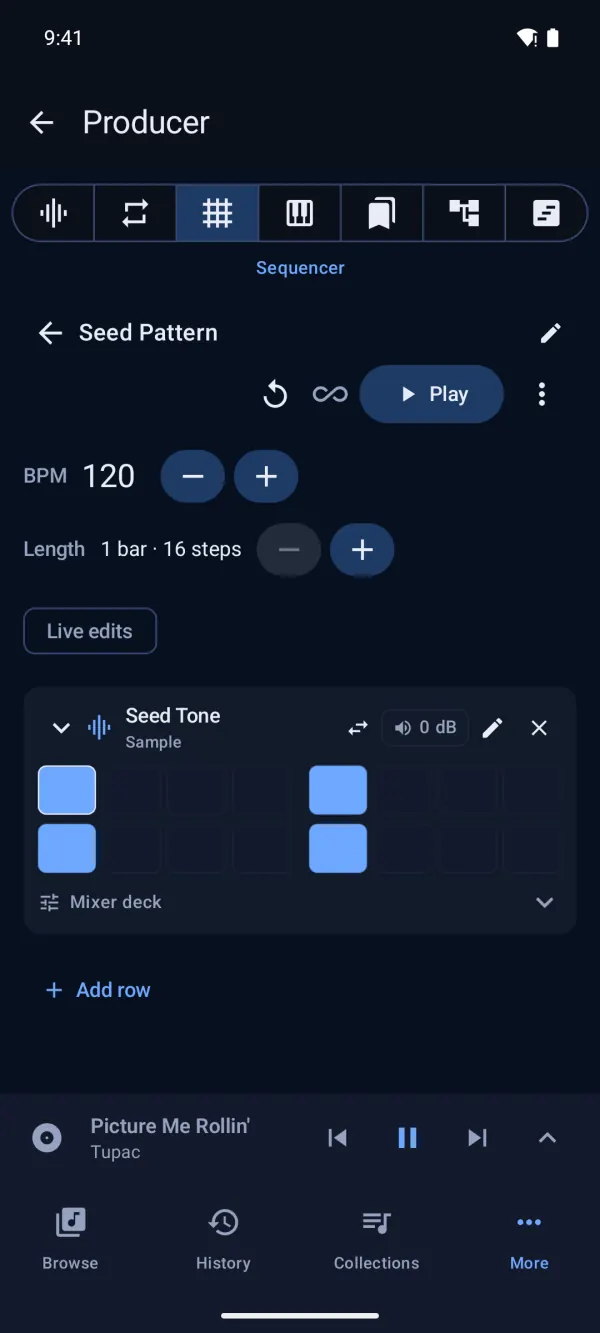
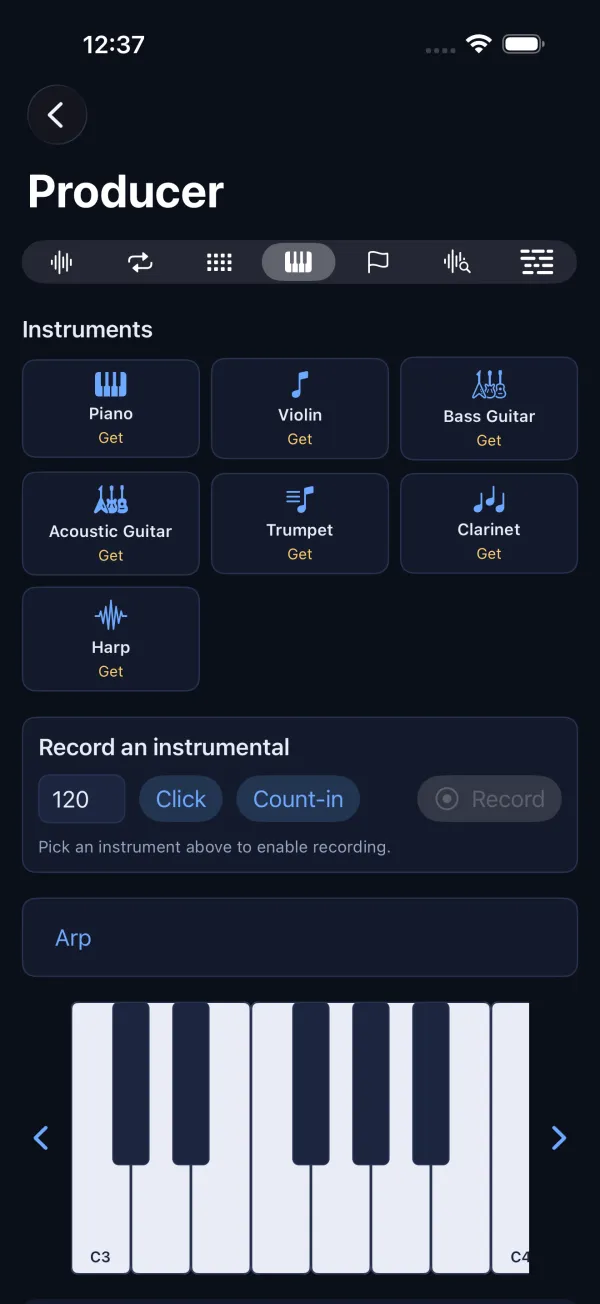
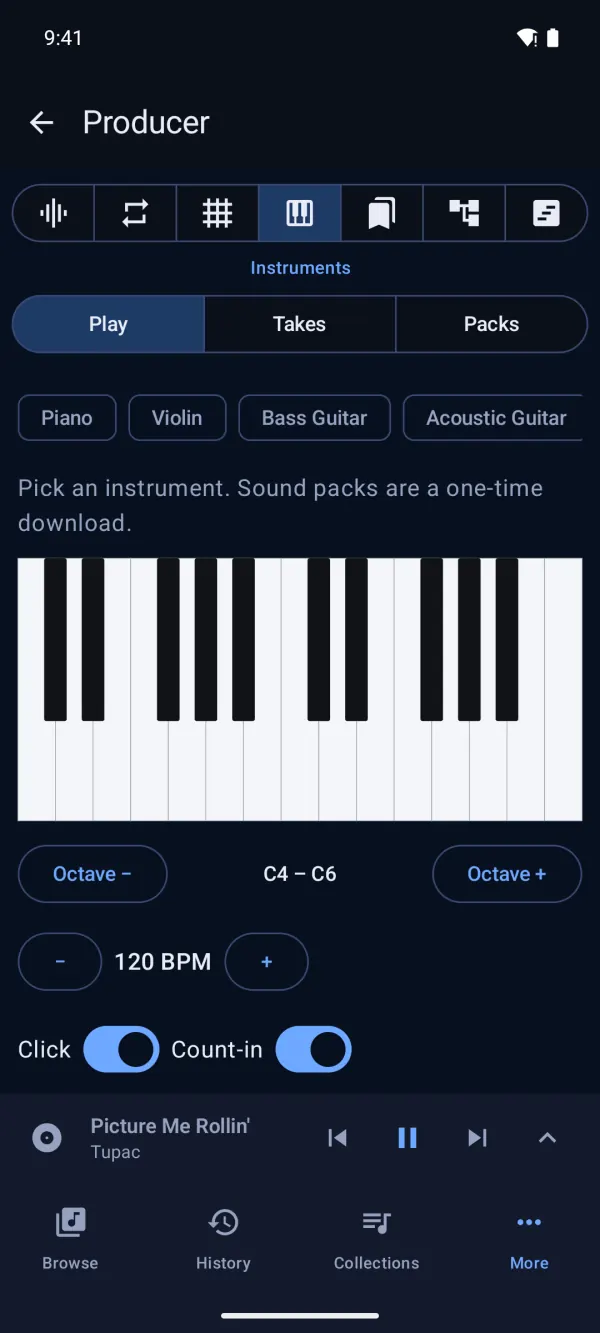
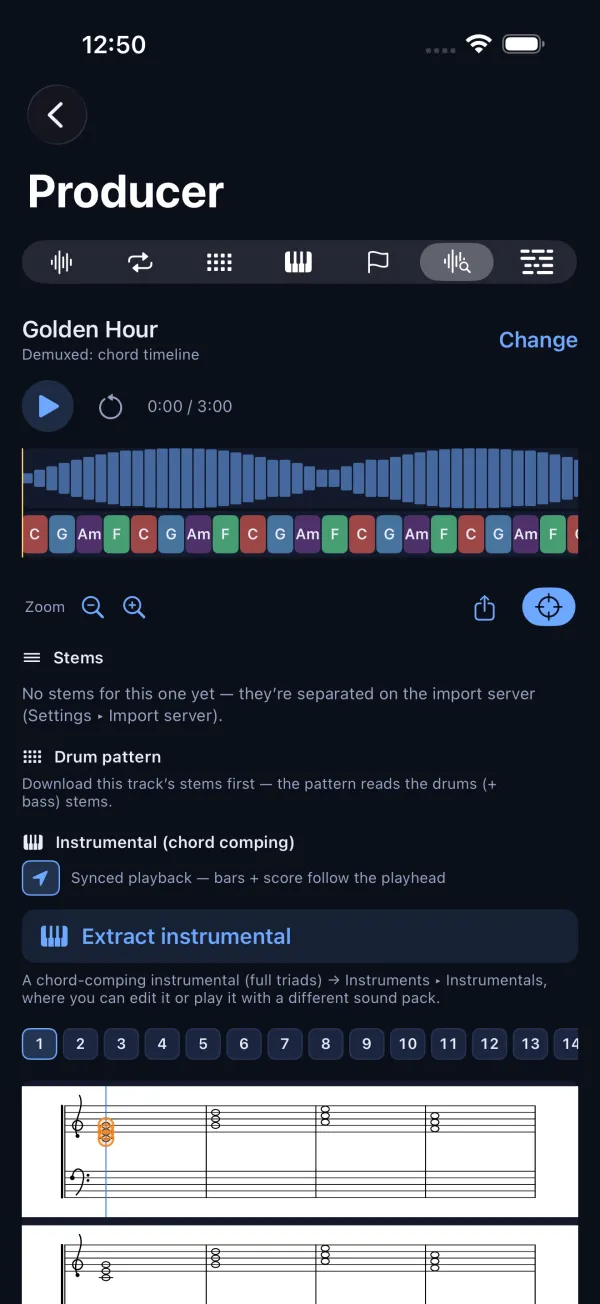
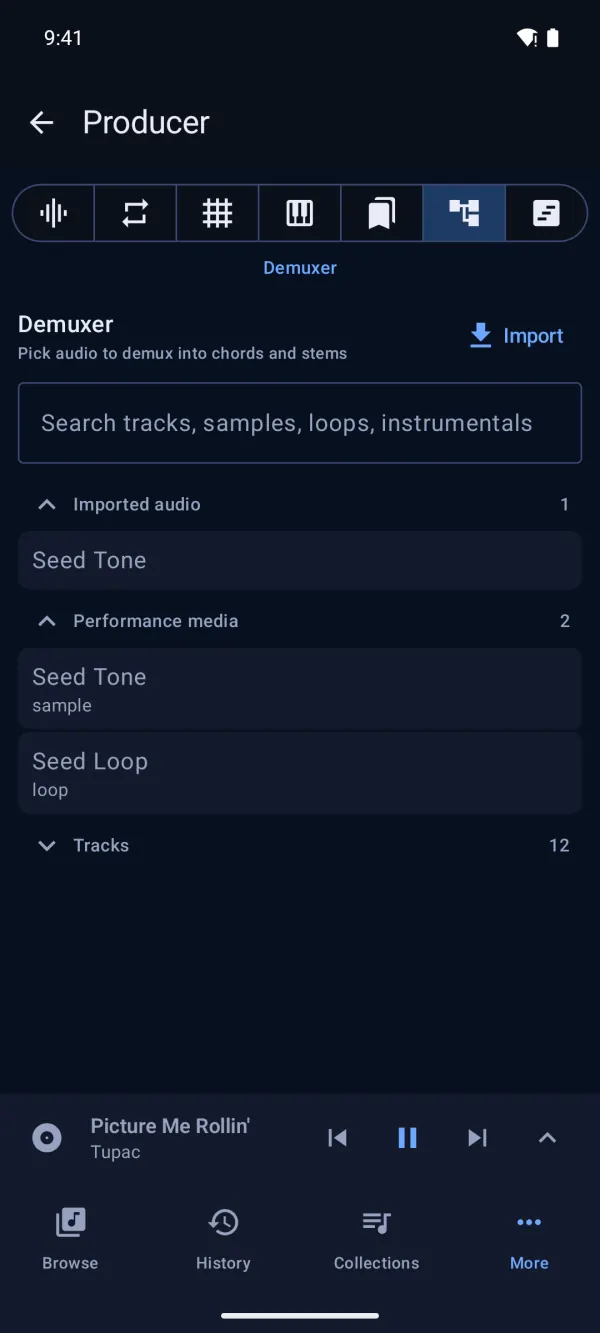
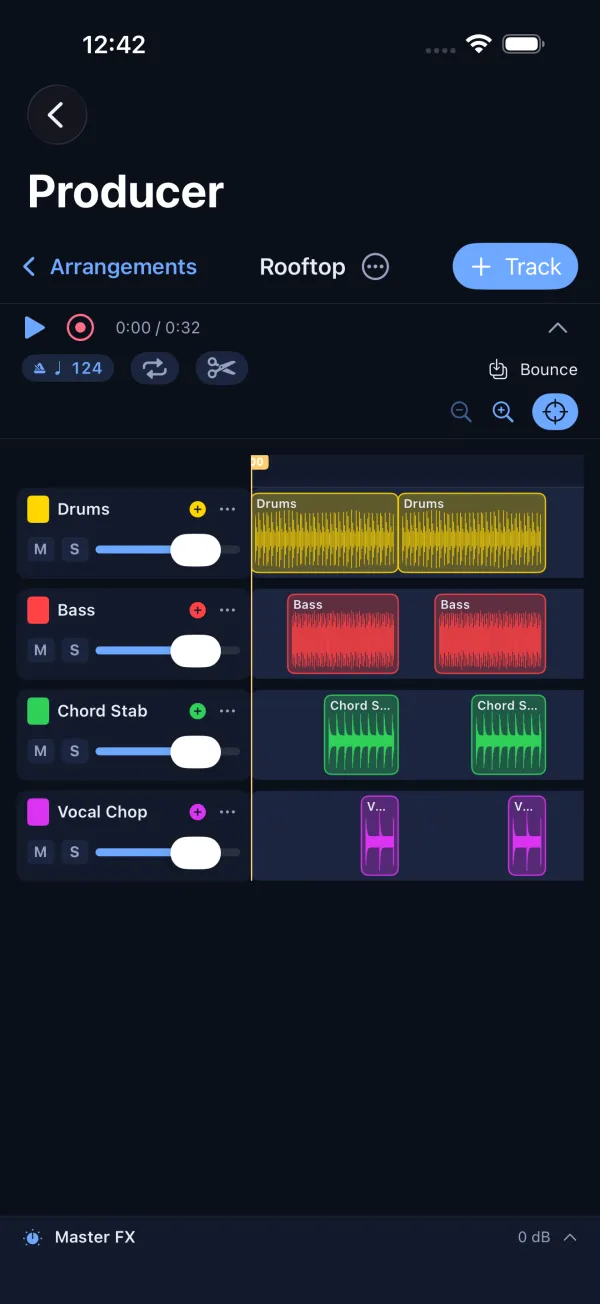
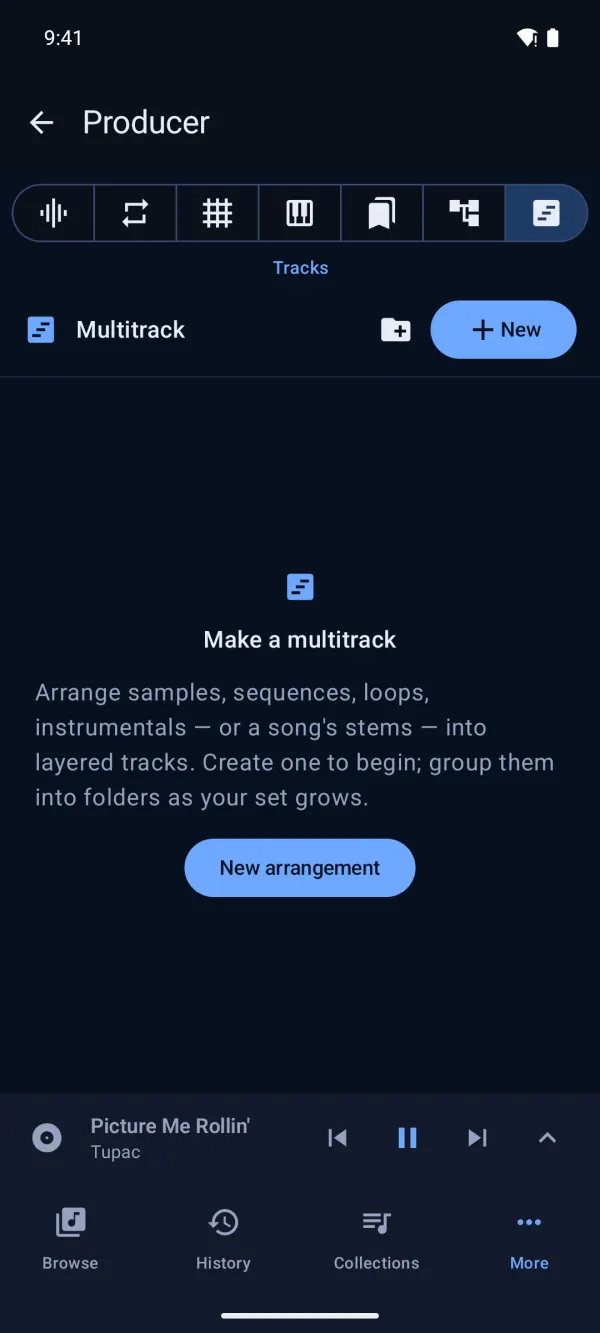
A studio next to your library.
Not a separate app to export into. Pull a sound out of any track and build with it right there.
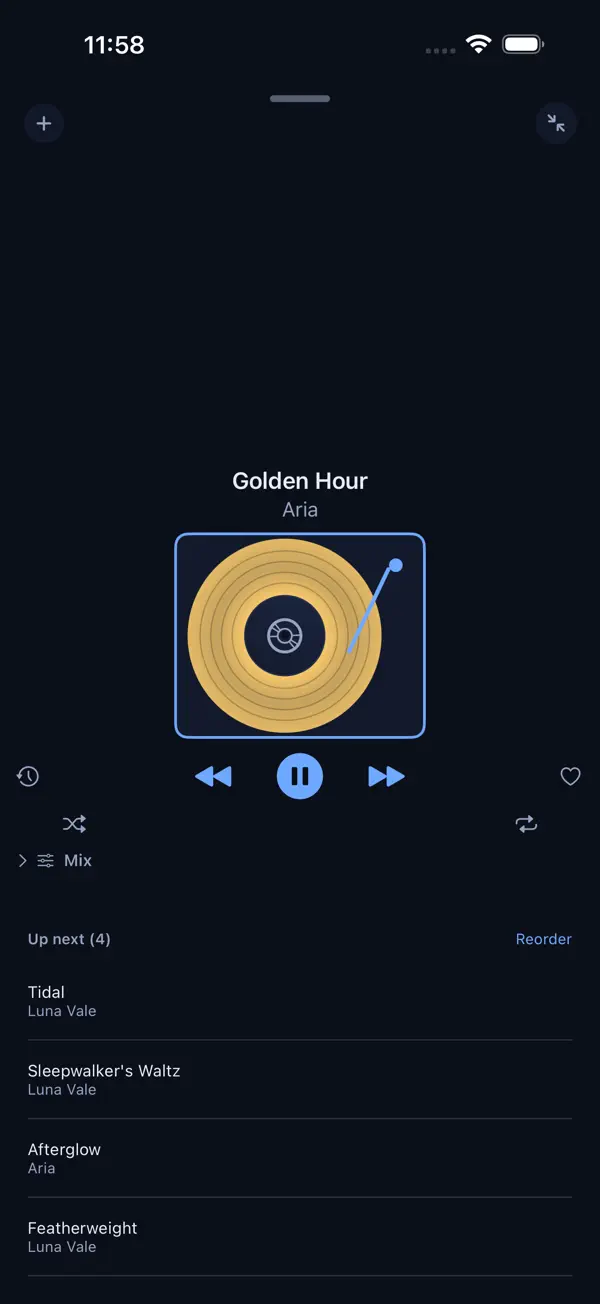
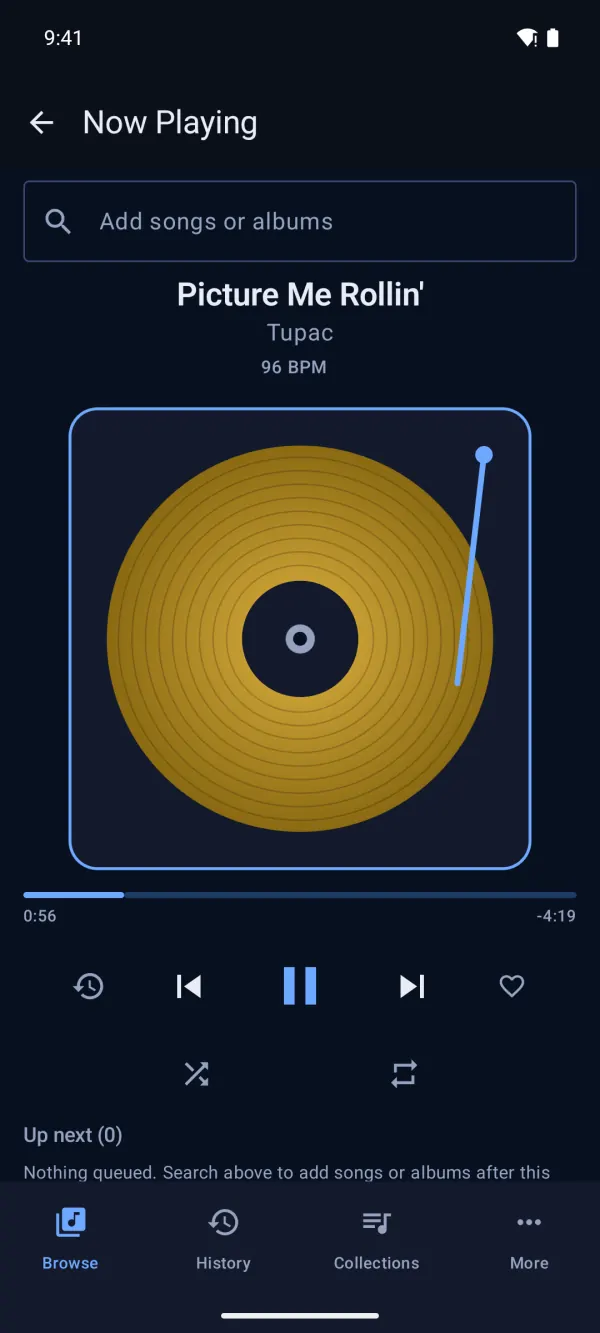
One deck that follows you.
A gold record that spins at the song's tempo, with your queue, transport and up-next exactly where you left them, on whichever screen you pick up next.
- CarPlay and Lock Screen controls
- Home Screen widgets for what's playing
- Siri and Shortcuts to start a playlist hands-free
- Android Auto, lock screen and notification controls
- A home-screen widget for what's playing
- Voice search and app shortcuts to start playing hands-free
- Stems in Now Playing
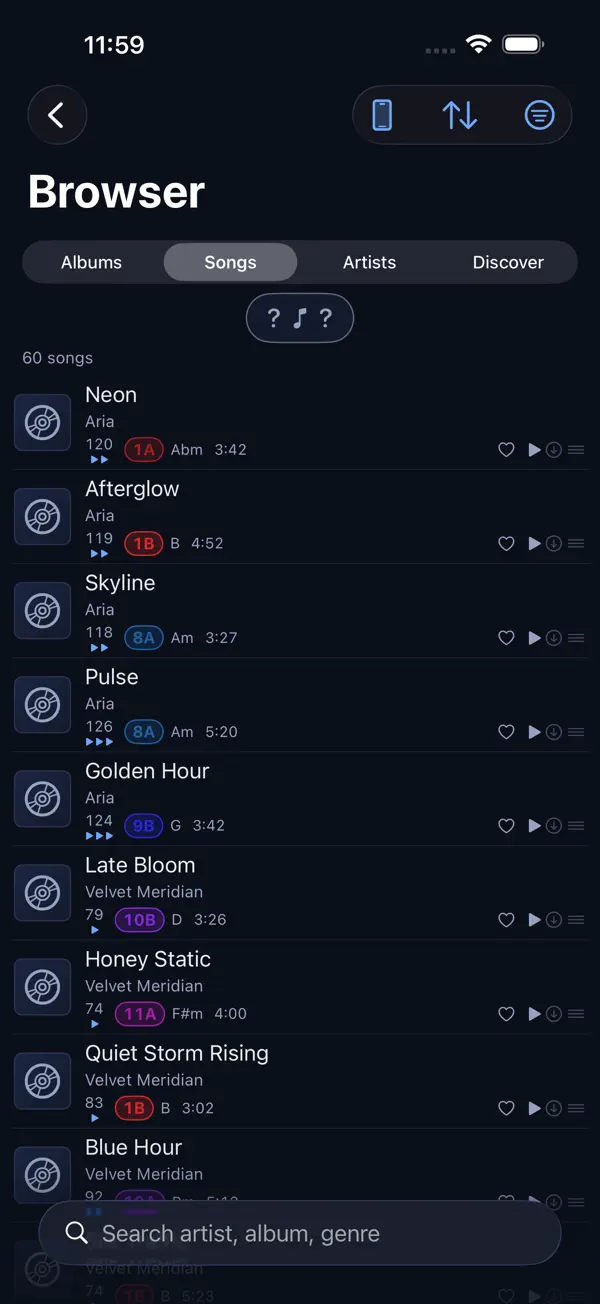
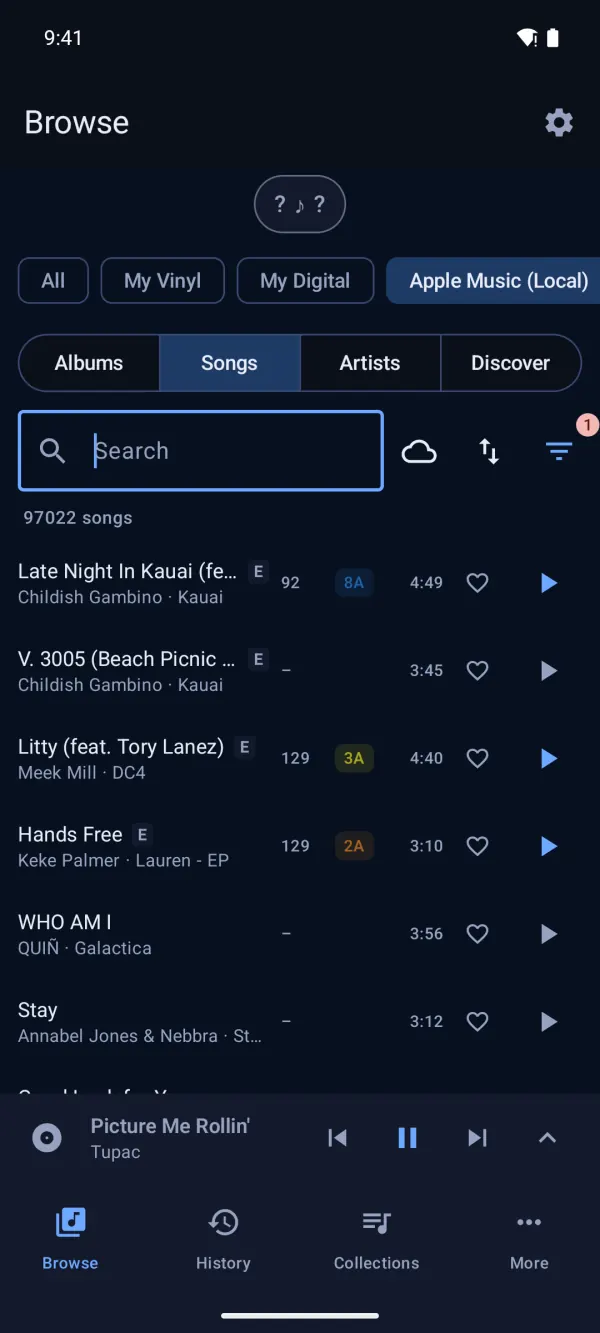
Every song, read like a DJ.
Your whole library by album, song or artist, each with tempo, Camelot key and length at a glance. Search by artist, album or genre, and filter down to exactly the crate you need.
- Recognize a song playing nearby and add it to your library on the spot
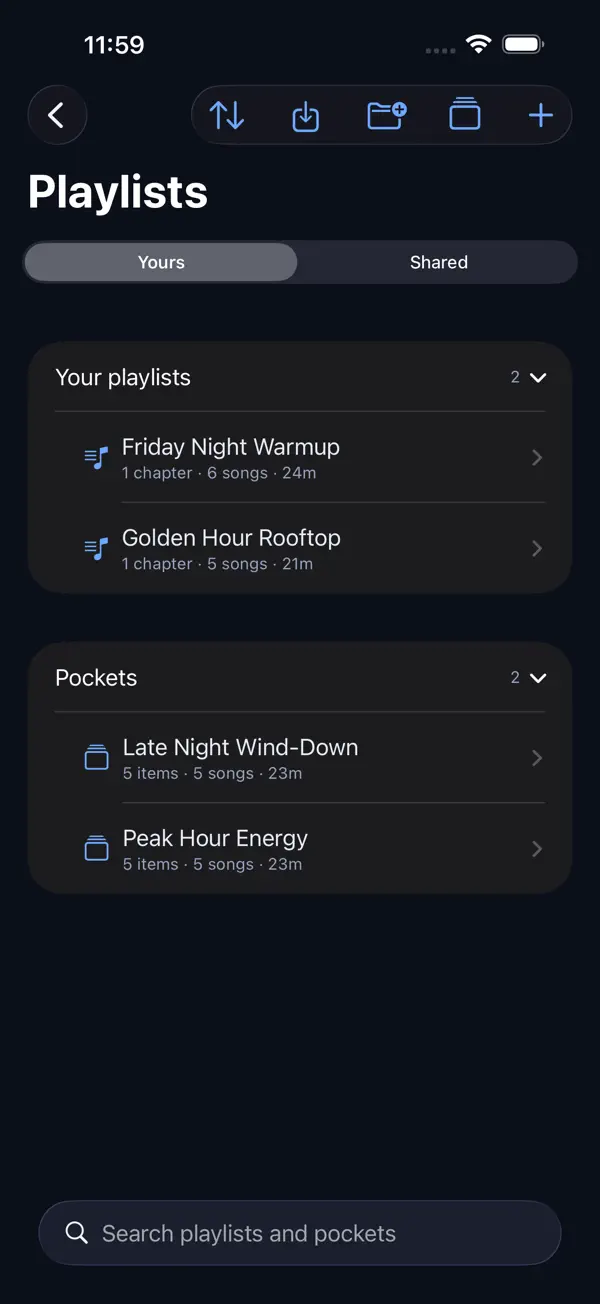
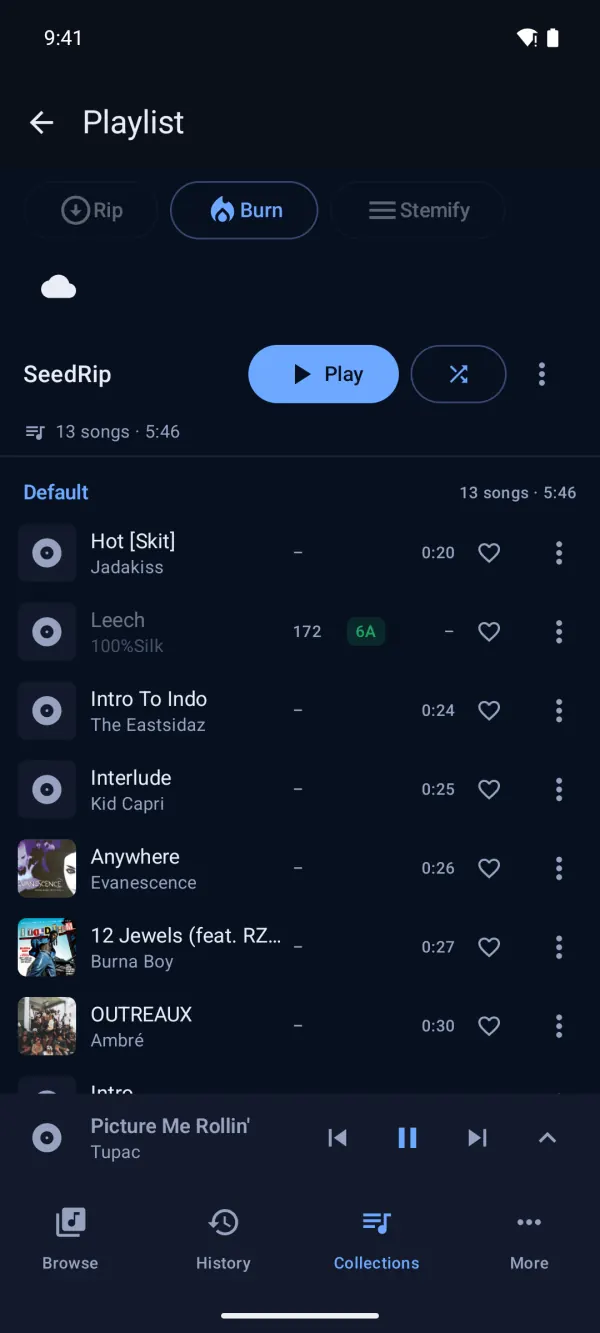
Playlists, Pockets and Setlists.
Playlists for the quick stuff. Pockets are reusable blocks you build sets out of. Setlists run start to finish, or hand any of them to Auto-DJ.
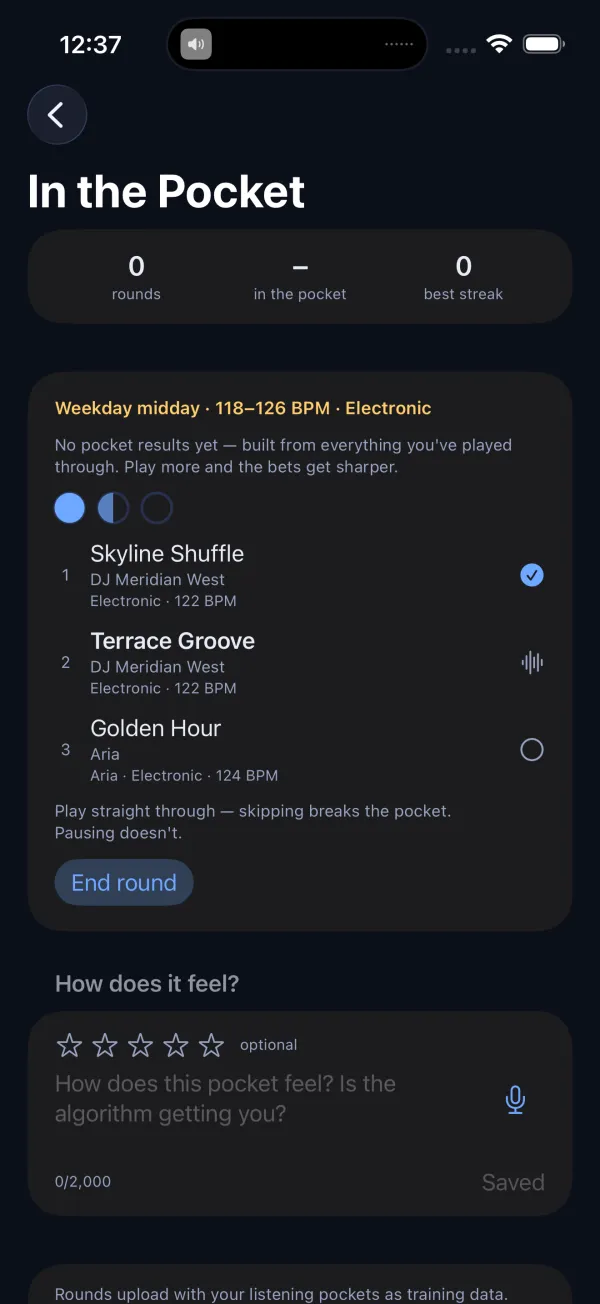
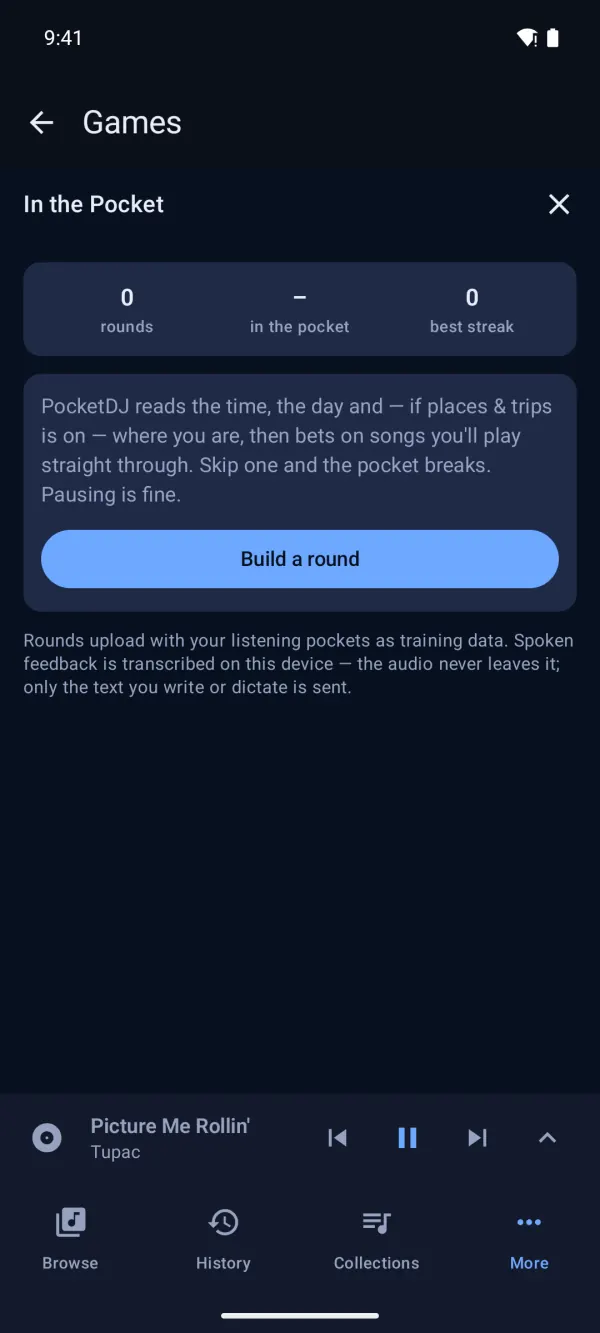
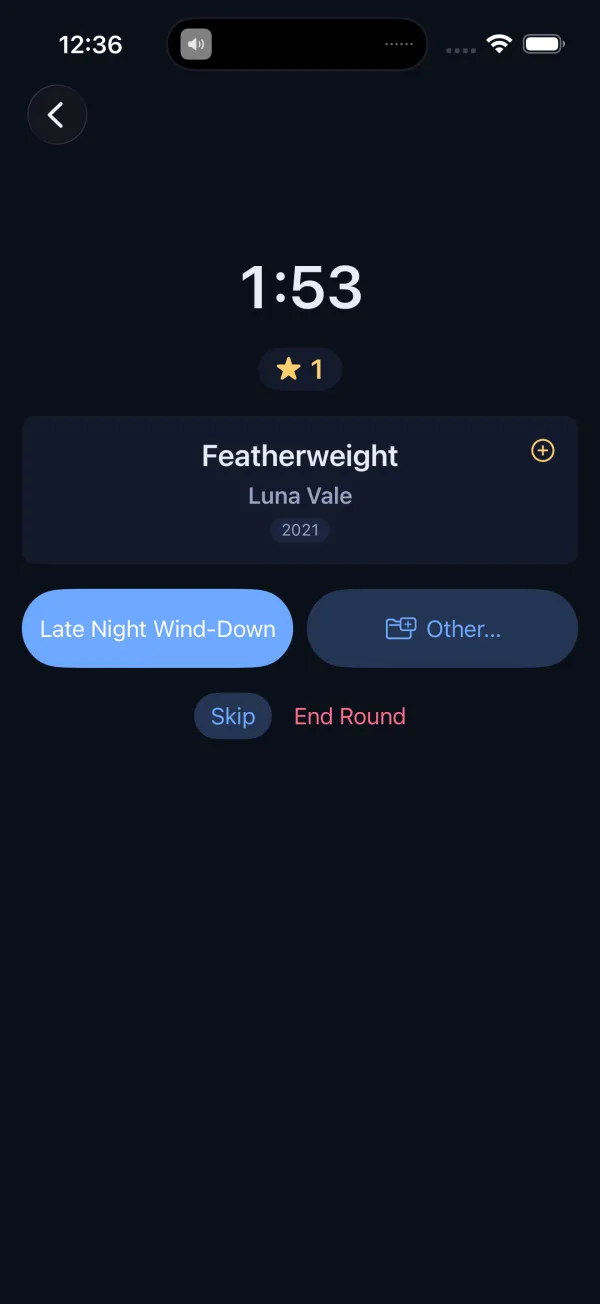
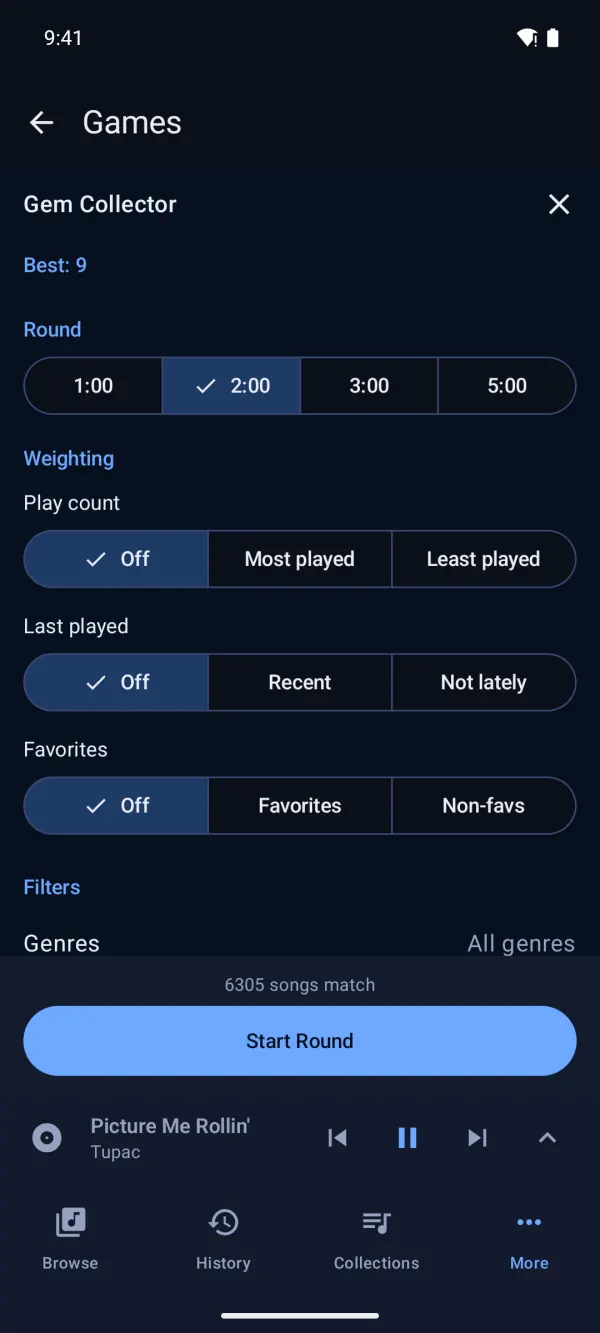
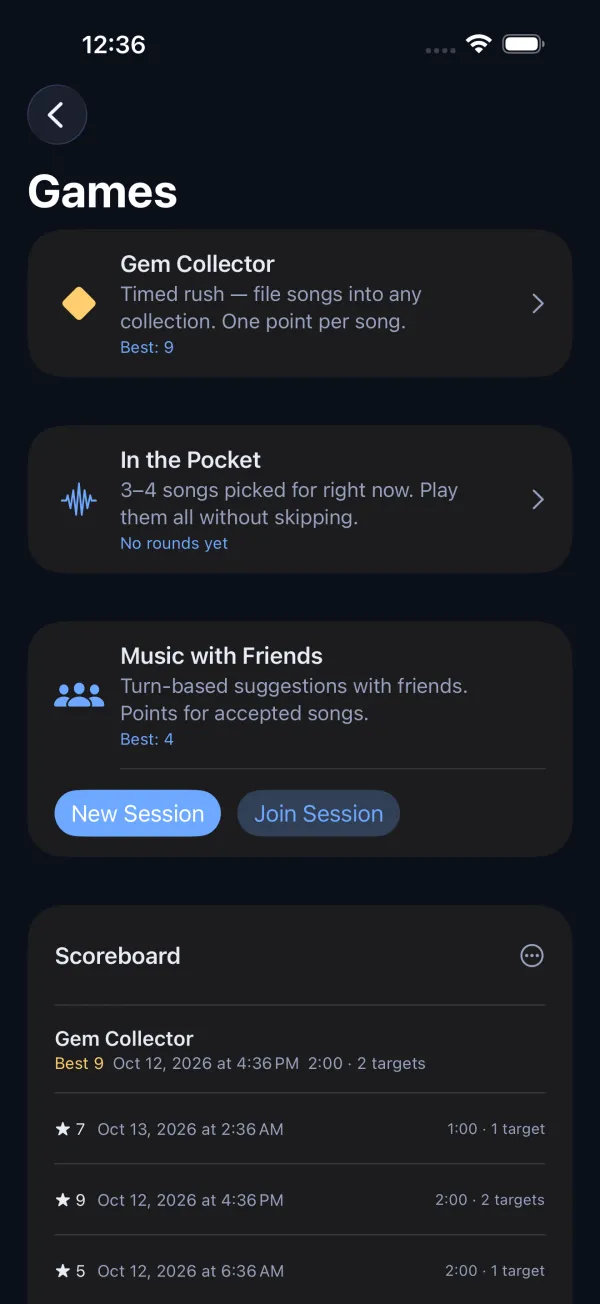
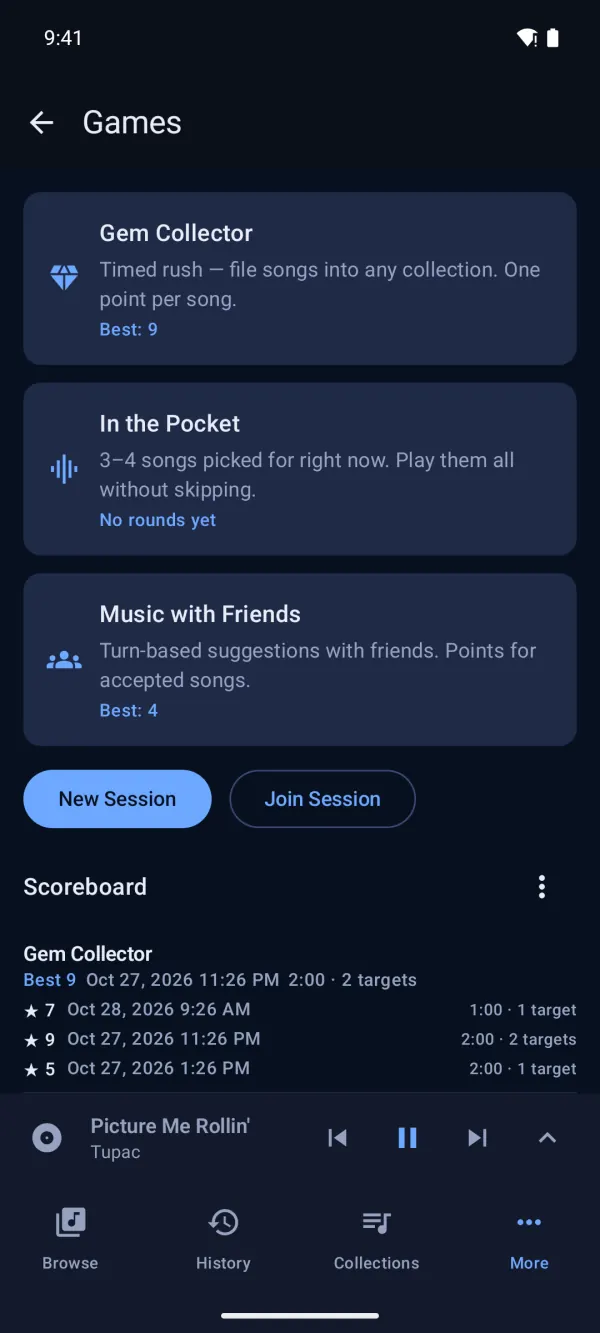
Play with your library.
Three games built on the music you already own, each with its own scoreboard.
Listening Pockets powers In the Pocket: it finds the runs you play without skipping and what they share, from artists and tempo to time of day. Off until you turn it on.
Jukebox
Host a request line at a party. Guests scan a code and queue songs from your library, no app to download.
Your sources
Connect Apple Music for playback and search through your subscription, or add your own sources in Settings.
Offline and private
Downloaded songs mix offline. Settings and sessions sync through your own private iCloud.Your library, settings and sessions stay on your phone.
Every screen you own.
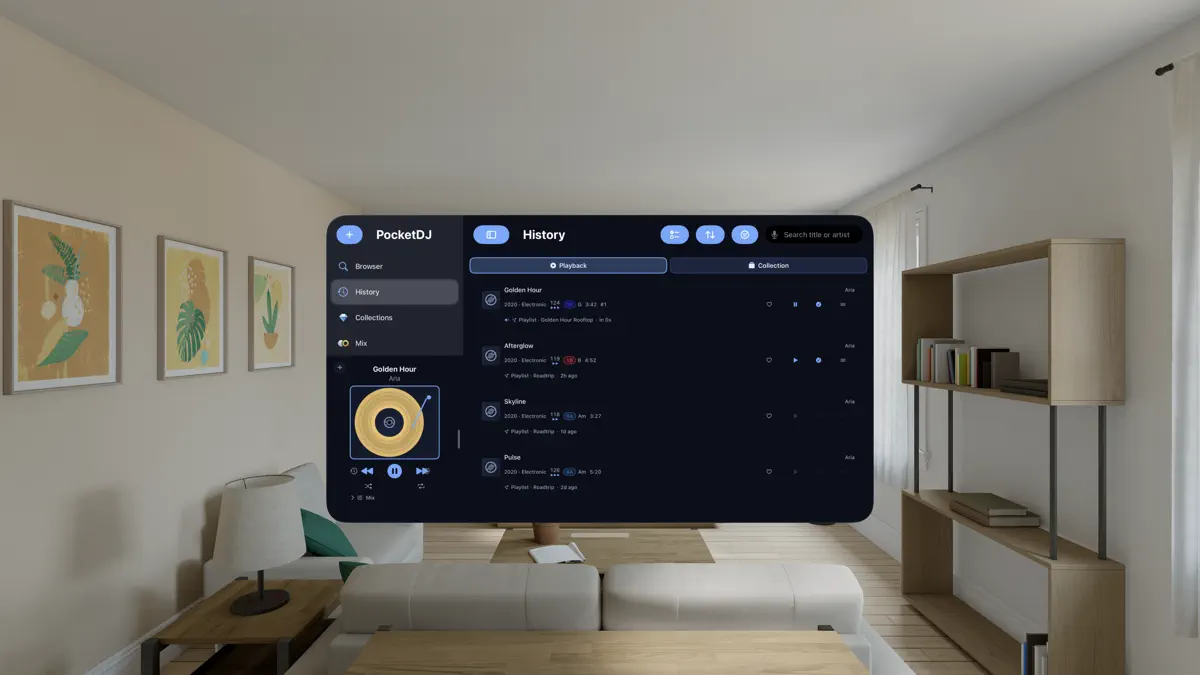
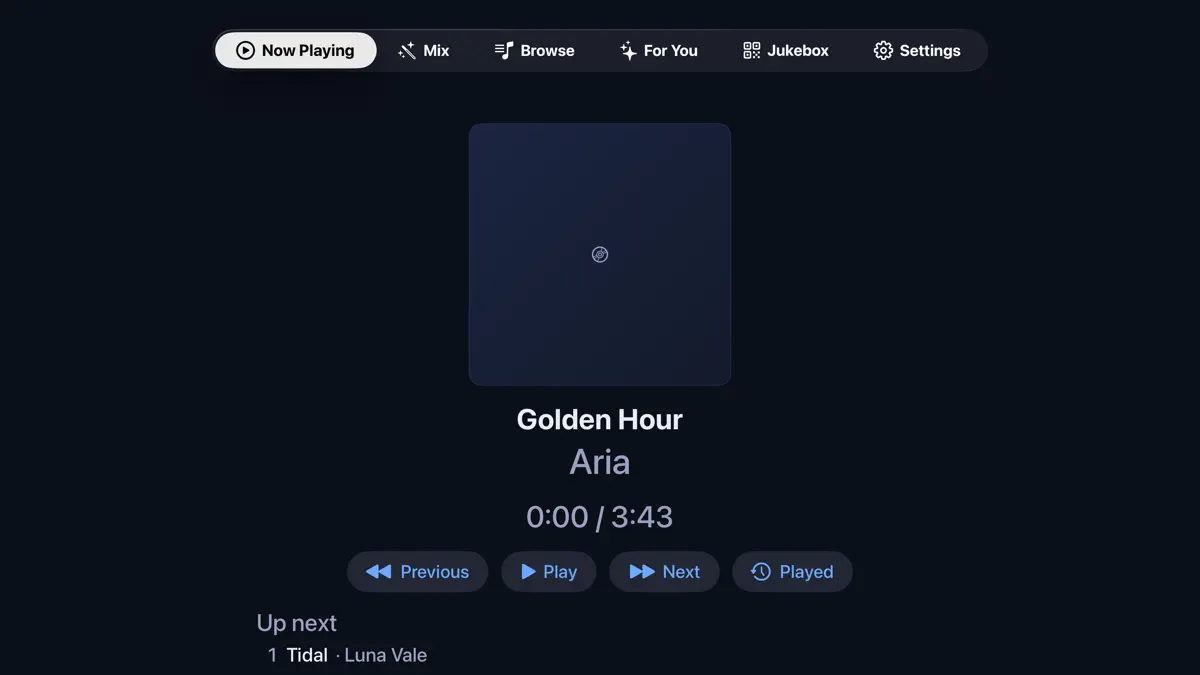
iPhone and iPad, Mac and Apple Vision Pro get the full rig. Apple TV gets a lean-back version: Now Playing, Auto-DJ, Browse, For You and Jukebox. One App Store purchase covers them all.
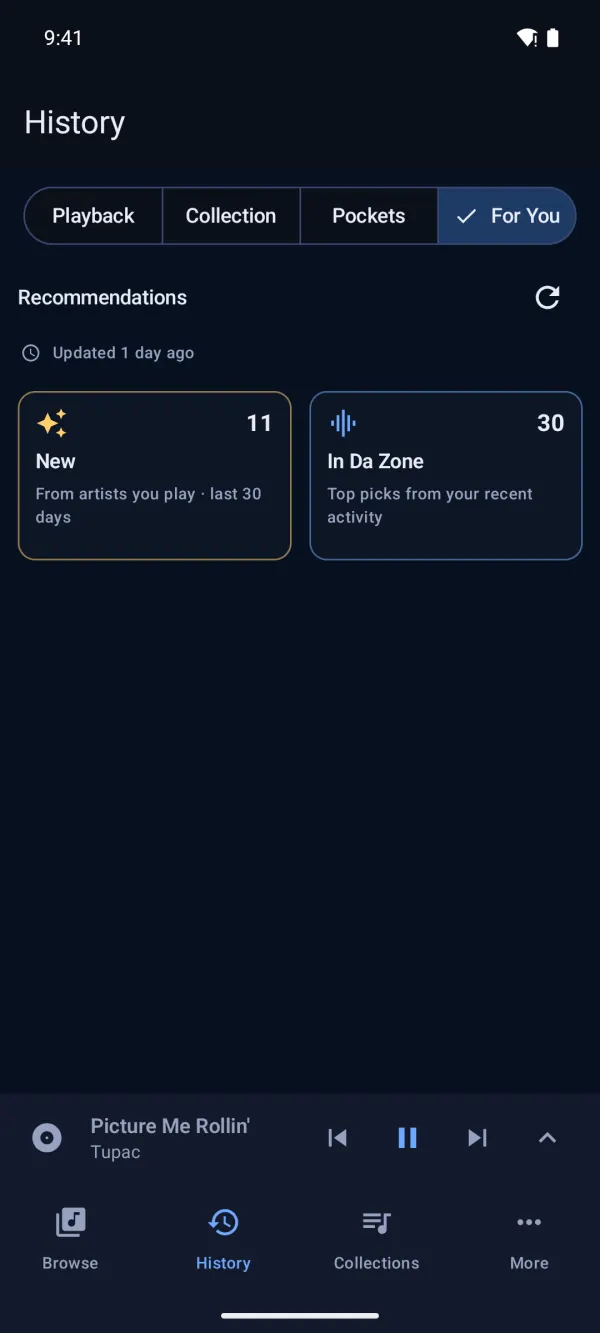
Android phones get the full rig, free: Mix, Producer, Games, Jukebox, plus your history and For You picks. It runs on Android 15 or later, with Android Auto in the car.
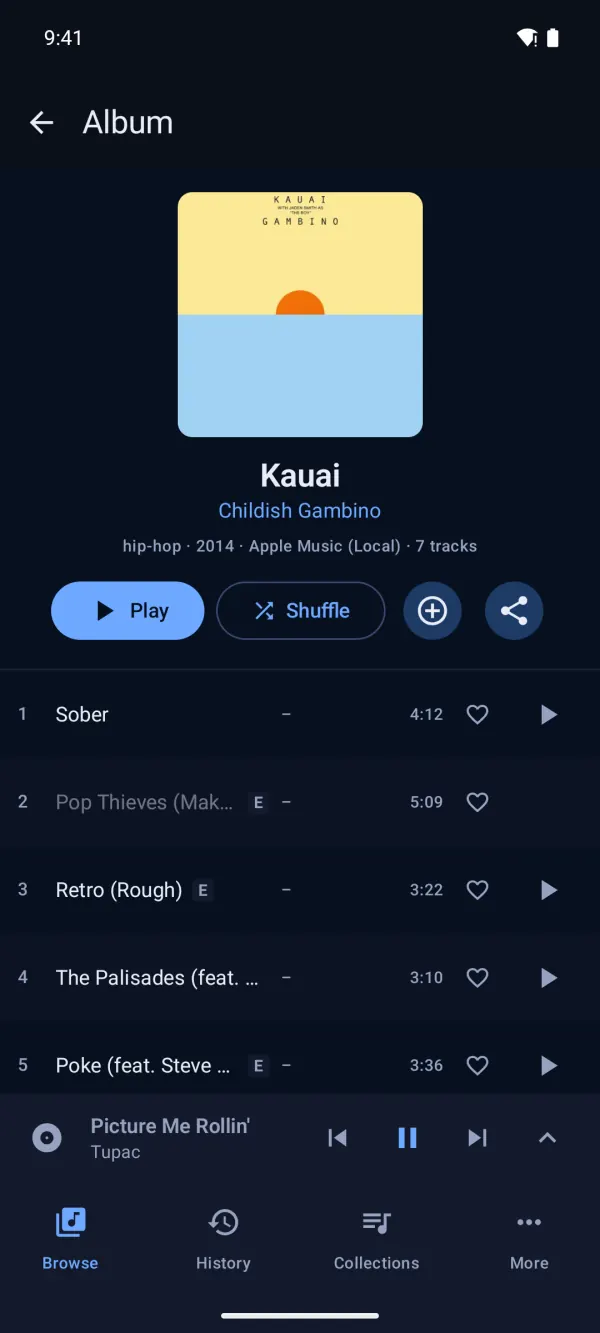
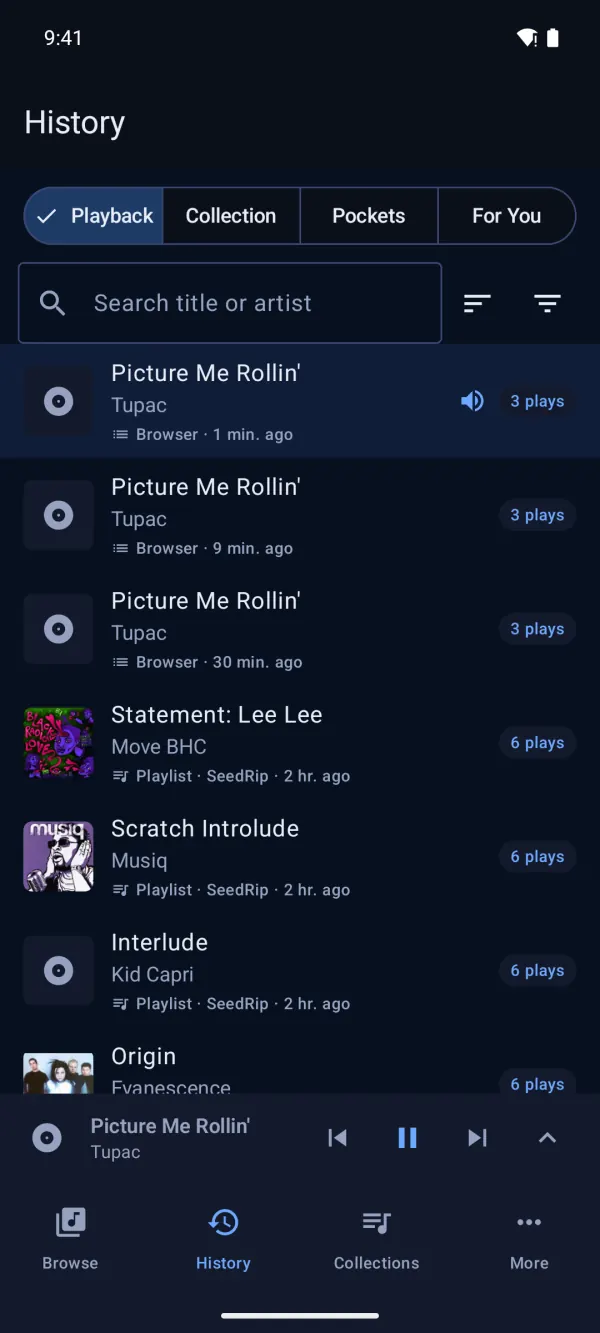
PocketDJ for Android. Free.
Get it from Google Play, or download the APK straight from us. Both are the same app, signed with the same key, so you can switch from one to the other later and keep your data.
- Version
- 1.0.0 (1793311586)
- Size
- 23.2 MB
- Requires
- Android 15 or later, 64-bit (arm64) phone
- SHA-256
2abe35df5e53f6370f1e0ec4202c7ca4a631ac19353f6964453e0bacd7edc4dc
Install the APK
- Tap Download APK on your phone. If Chrome warns the file might be harmful, tap Download anyway.
- Open the file. When asked, allow Install unknown apps for Chrome (or your Files app), then go back.
- Tap Install.
- If Play Protect says it doesn't recognise the app, tap More details ▸ Install anyway. On Samsung phones, turn off Auto Blocker first.
To update, install the newer APK over the old one; your library and settings are kept.
Signing certificate SHA-256 (check with apksigner verify --print-certs):
26:C3:CD:8F:7F:56:A2:8B:F0:F6:E9:47:9A:05:A9:7A:72:16:BD:5D:76:81:09:E6:80:5E:06:50:DC:4C:D6:74

On a computer? Scan to open this on your phone.
Bring your music. We'll bring the decks.